品牌视觉识别图
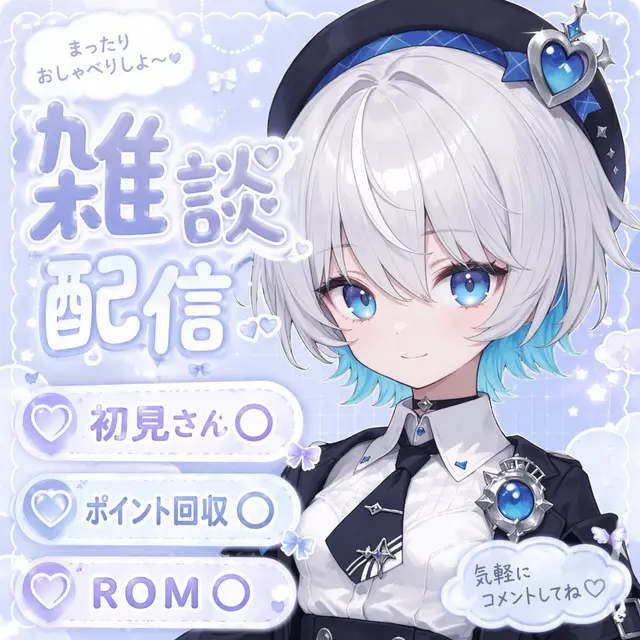
高质量 AI 图像提示词案例,适用于界面与 UI场景,附带完整咒语与来源信息,可复制到 Midjourney、GPT Image 等模型使用。
咒语正文(点击右下角按钮复制)
{
  "type": "anime-style livestream thumbnail",
  "character": {
    "hair": "{argument name=\"hair color\" default=\"short silver hair with cyan underlights\"}",
    "eyes": "large bright blue",
    "outfit": "white collared shirt, black tie with silver accents, black jacket, black beret with a large blue heart jewel, blue jewel brooch, black choker",
    "pose": "smiling gently, looking at viewer, positioned on the right side"
  },
  "background": "pastel blue with white clouds, sparkles, stars, small bows, and a subtle grid pattern",
  "typography_and_ui": {
    "top_left_speech_bubble": "まったりおしゃべりしよ〜♡",
    "main_title": {
      "text": "{argument name=\"main title\" default=\"雑談配信\"}",
      "style": "large, soft blue gradient, white outline, decorated with small hearts, positioned on the middle-left"
    },
    "bottom_left_badges": {
      "count": 3,
      "style": "white pill-shaped buttons with a purple heart icon on the left",
      "labels": [
        "{argument name=\"badge 1 text\" default=\"初見さん〇\"}",
        "{argument name=\"badge 2 text\" default=\"ポイント回収〇\"}",
        "{argument name=\"badge 3 text\" default=\"ROM〇\"}"
      ]
    },
    "bottom_right_cloud_bubble": "気軽にコメントしてね♡"
  }
}
💡 使用建议
将提示词中 [方括号] 的内容替换为你的具体需求;在 Midjourney 中可追加 --ar 3:4 或 --ar 16:9 控制构图比例;出图不满意时优先调整主体描述与光线词。
来源:@sayaka_aiart · 数据遵循 MIT 许可
相关咒语推荐
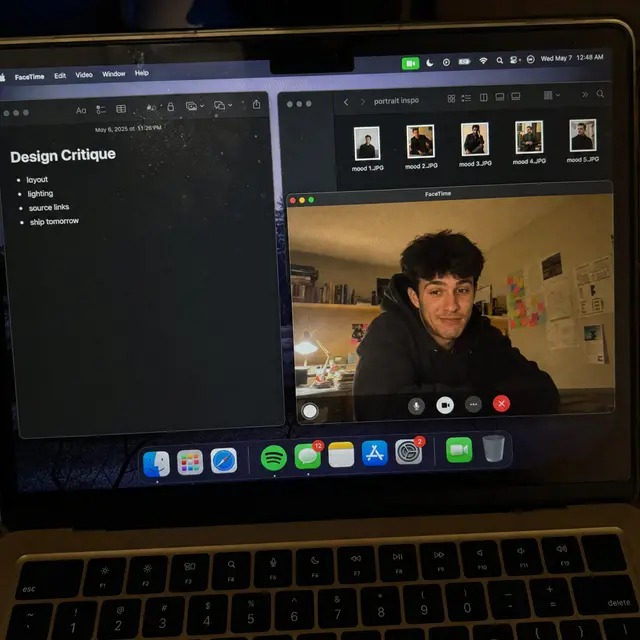
手机拍摄 FaceTime 工作屏幕
高质量 AI 图像提示词案例,适用于界面与 UI场景,附带完整咒语与来源信息,可复制到 Midjourney、GPT Image 等模型使用。
UIRealistic3D复制咒语 →
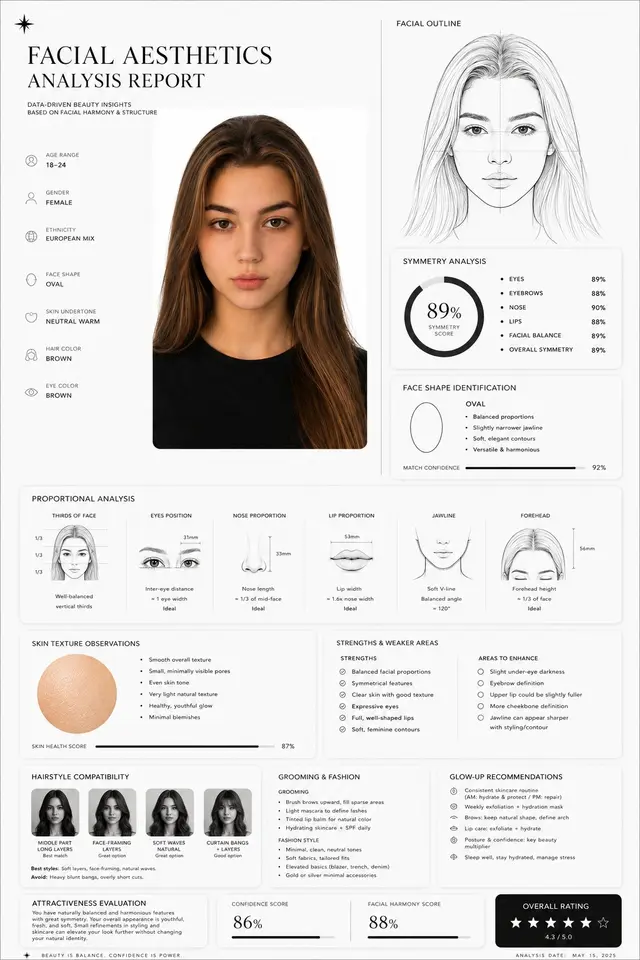
面部美学分析报告
高质量 AI 图像提示词案例,适用于界面与 UI场景,附带完整咒语与来源信息,可复制到 Midjourney、GPT Image 等模型使用。
UIInfographicPoster复制咒语 →
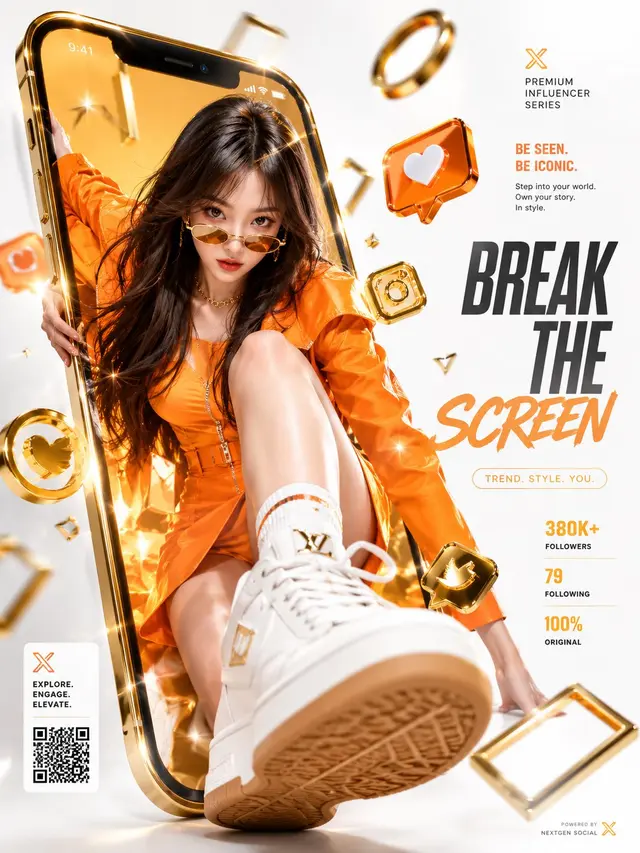
豪华社媒破屏商业广告
高质量 AI 图像提示词案例,适用于界面与 UI场景,附带完整咒语与来源信息,可复制到 Midjourney、GPT Image 等模型使用。
UIPosterBrand复制咒语 →
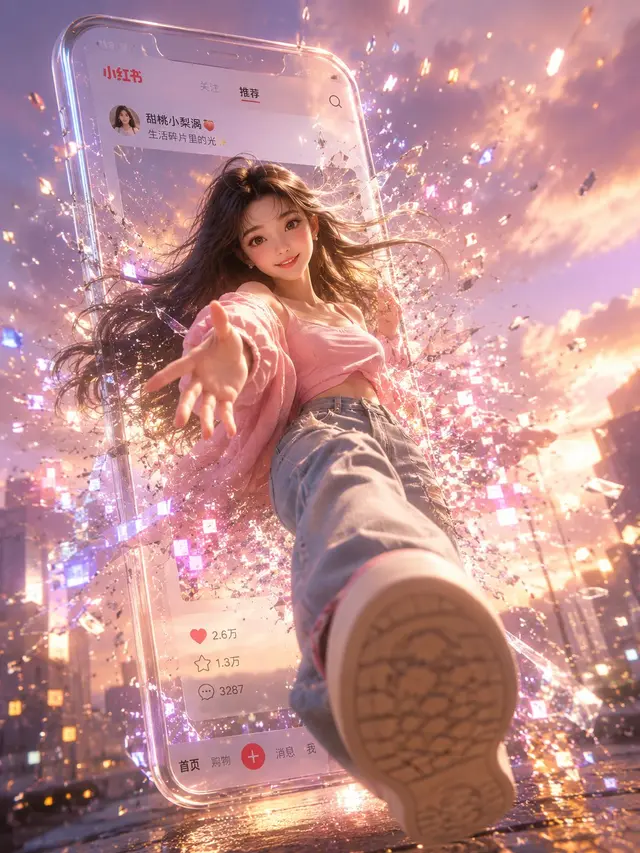
小红书数字破屏 3D 女孩
高质量 AI 图像提示词案例,适用于界面与 UI场景,附带完整咒语与来源信息,可复制到 Midjourney、GPT Image 等模型使用。
Character3D界面与 UI复制咒语 →
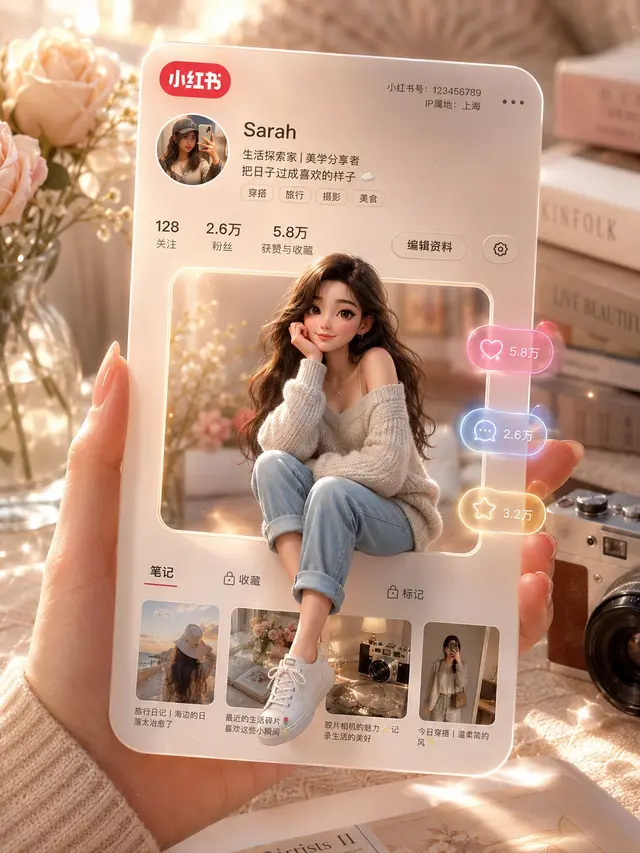
3D 小红书个人资料卡
高质量 AI 图像提示词案例,适用于界面与 UI场景,附带完整咒语与来源信息,可复制到 Midjourney、GPT Image 等模型使用。
UI3D界面与 UI复制咒语 →
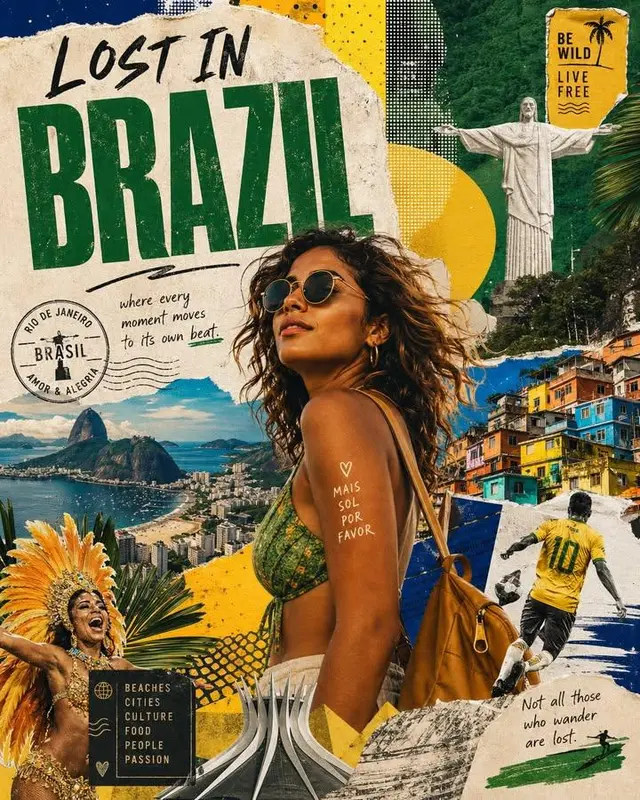
Lost in 国家旅行海报拼贴
高质量 AI 图像提示词案例,适用于海报与字体场景,附带完整咒语与来源信息,可复制到 Midjourney、GPT Image 等模型使用。
UIPosterRealistic复制咒语 →