手机拍摄 FaceTime 工作屏幕
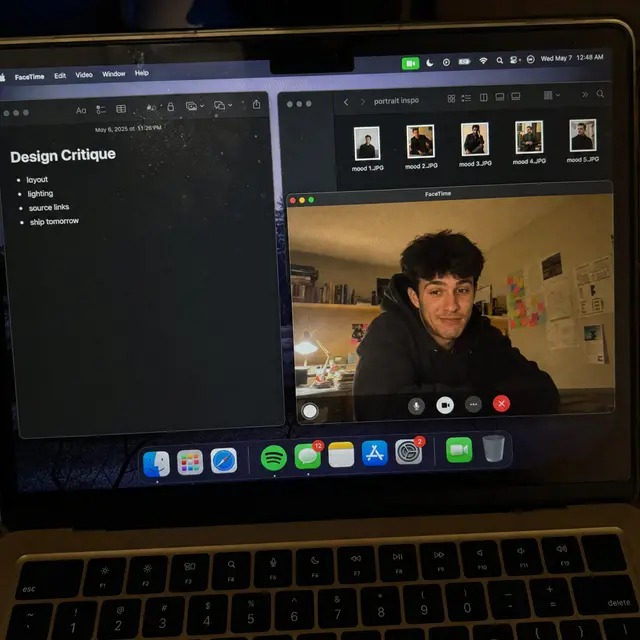
高质量 AI 图像提示词案例,适用于界面与 UI场景,附带完整咒语与来源信息,可复制到 Midjourney、GPT Image 等模型使用。
咒语正文(点击右下角按钮复制)
Create a raw smartphone photo of a laptop screen, not a screenshot. Aspect ratio 3:4, high-angle downward POV from someone standing over a desk at night. The laptop display fills most of the frame, with a narrow strip of black keyboard and trackpad visible at the bottom. Strong realism: visible RGB subpixel grid, subtle moire bands, small dust specks, faint fingerprints, uneven glass reflections, handheld phone noise, slight perspective skew, no studio polish. macOS dark mode. Background app: Apple Notes with a late-night study note titled "Design Critique" and short visible bullets: "layout", "lighting", "source links", "ship tomorrow". Foreground app: FaceTime live preview window floating lower-right, showing a fictional adult man in his 20s sitting at a cluttered desk, hoodie, tired but amused expression, warm desk lamp behind him, books and sticky notes in the room. A second small Finder window with image thumbnails is partly visible behind it. Make it feel like an accidental real phone photo of a working laptop screen. No real-person likeness, no beauty filter, no perfect UI, no screenshot, no watermark, no cartoon, no 3D render.
💡 使用建议
将提示词中 [方括号] 的内容替换为你的具体需求;在 Midjourney 中可追加 --ar 3:4 或 --ar 16:9 控制构图比例;出图不满意时优先调整主体描述与光线词。
来源:@kaanakz · 数据遵循 MIT 许可
相关咒语推荐
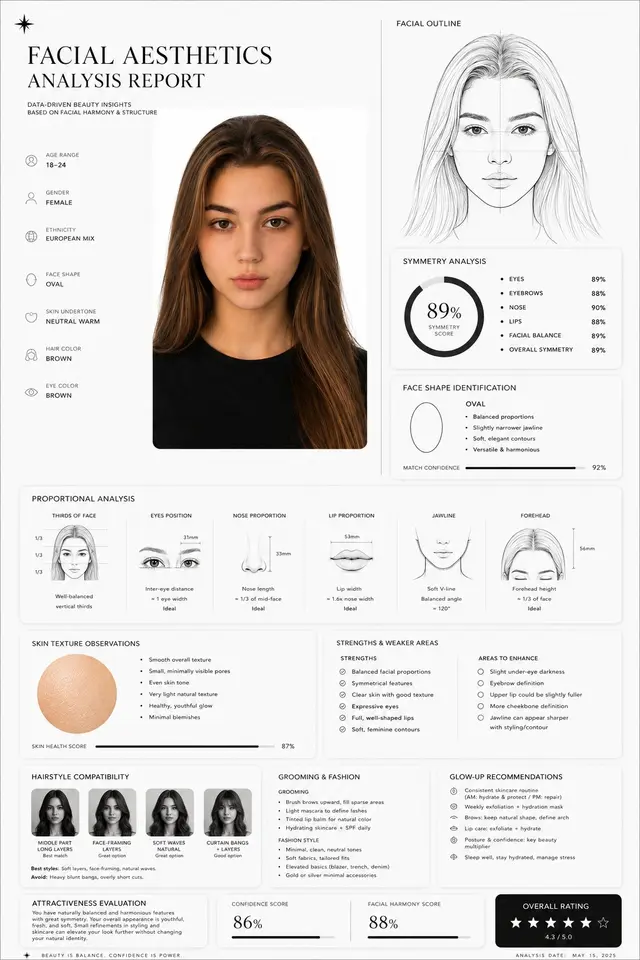
面部美学分析报告
高质量 AI 图像提示词案例,适用于界面与 UI场景,附带完整咒语与来源信息,可复制到 Midjourney、GPT Image 等模型使用。
UIInfographicPoster复制咒语 →
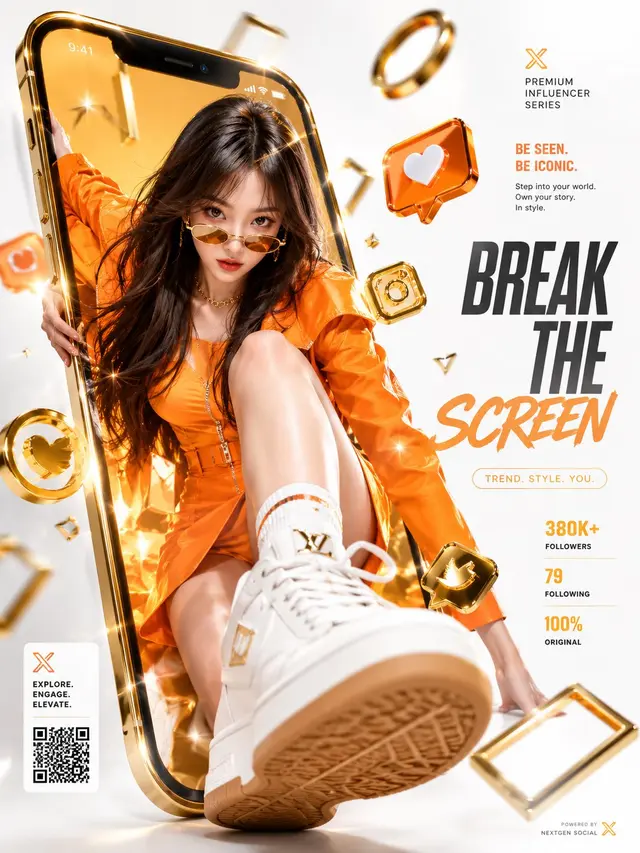
豪华社媒破屏商业广告
高质量 AI 图像提示词案例,适用于界面与 UI场景,附带完整咒语与来源信息,可复制到 Midjourney、GPT Image 等模型使用。
UIPosterBrand复制咒语 →
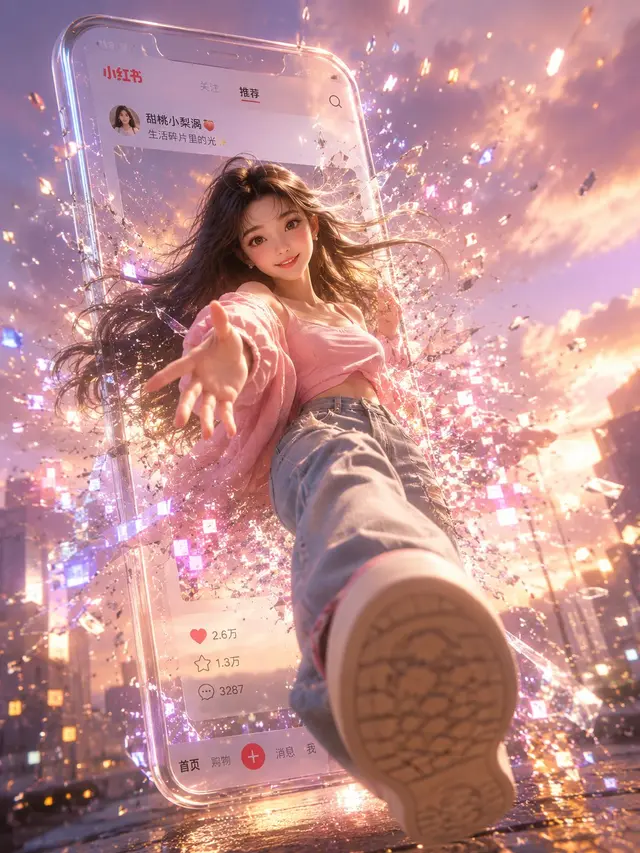
小红书数字破屏 3D 女孩
高质量 AI 图像提示词案例,适用于界面与 UI场景,附带完整咒语与来源信息,可复制到 Midjourney、GPT Image 等模型使用。
Character3D界面与 UI复制咒语 →
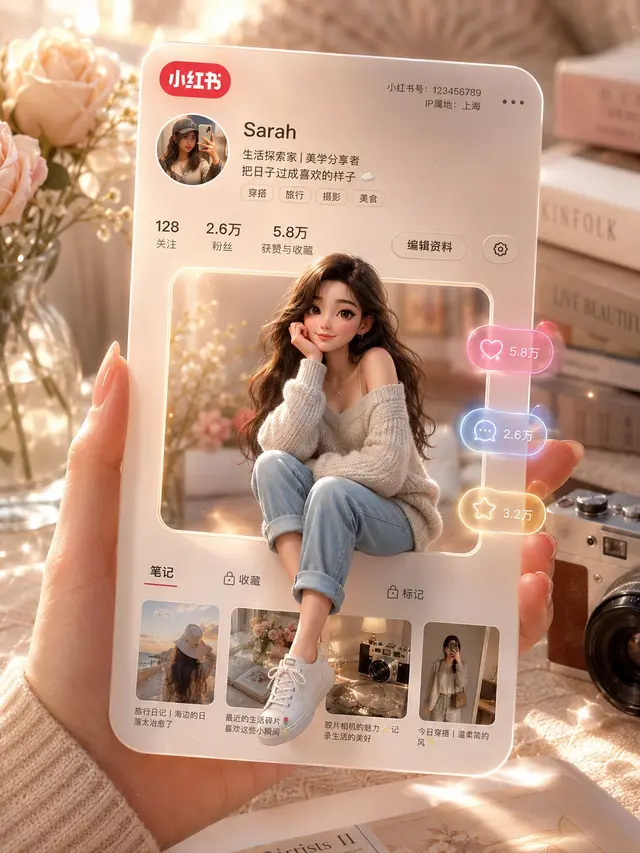
3D 小红书个人资料卡
高质量 AI 图像提示词案例,适用于界面与 UI场景,附带完整咒语与来源信息,可复制到 Midjourney、GPT Image 等模型使用。
UI3D界面与 UI复制咒语 →
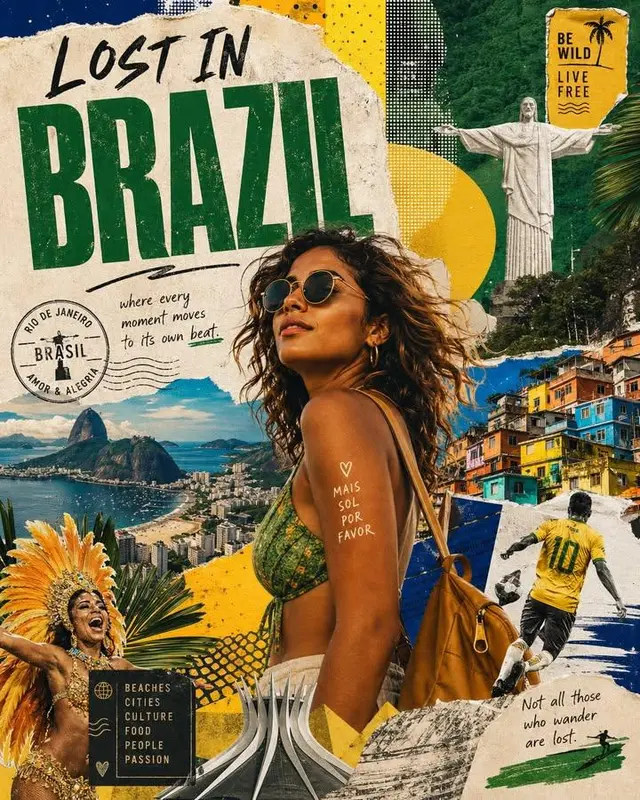
Lost in 国家旅行海报拼贴
高质量 AI 图像提示词案例,适用于海报与字体场景,附带完整咒语与来源信息,可复制到 Midjourney、GPT Image 等模型使用。
UIPosterRealistic复制咒语 →
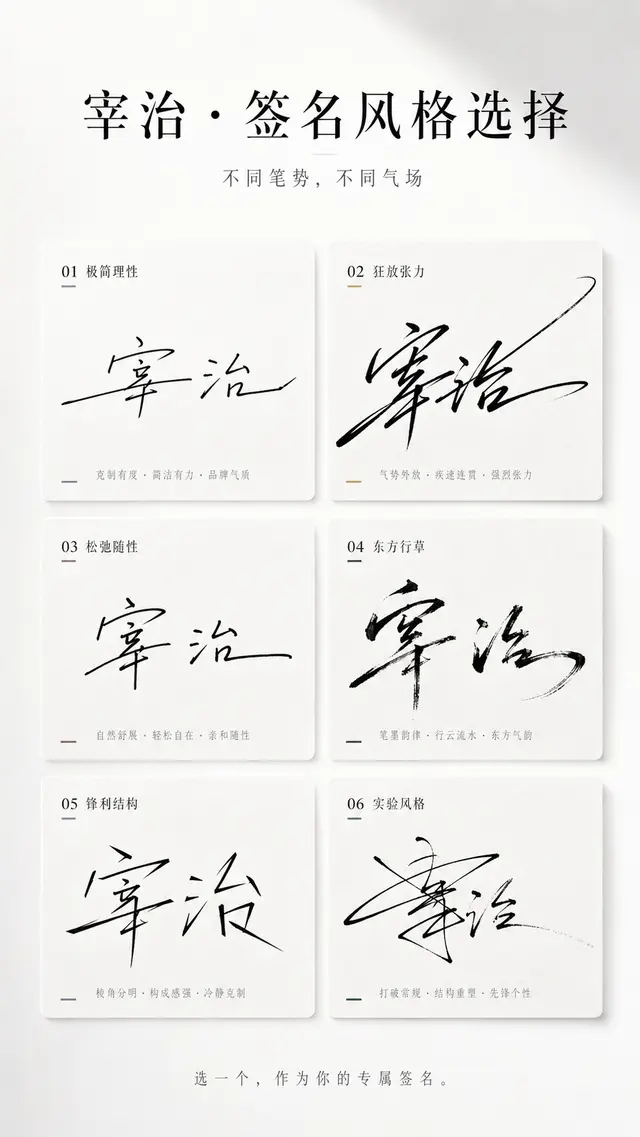
多风格签名选择海报
高质量 AI 图像提示词案例,适用于界面与 UI场景,附带完整咒语与来源信息,可复制到 Midjourney、GPT Image 等模型使用。
UIPosterBrand复制咒语 →